
Post Deployment: Monitoring and Error Tracking
For status monitoring of applications built both frontend and backend, I use the Status Pages from cron-job.
Status Monitoring with Cron Status Page
For status monitoring of applications built both frontend and backend, I use the Status Pages from cron-job.org. The way it works is quite simple, cron-job will hit the end-point which I have setup every 30 minutes. Of course this is not a best practice for health check, but it is sufficient for a project like this portfolio.
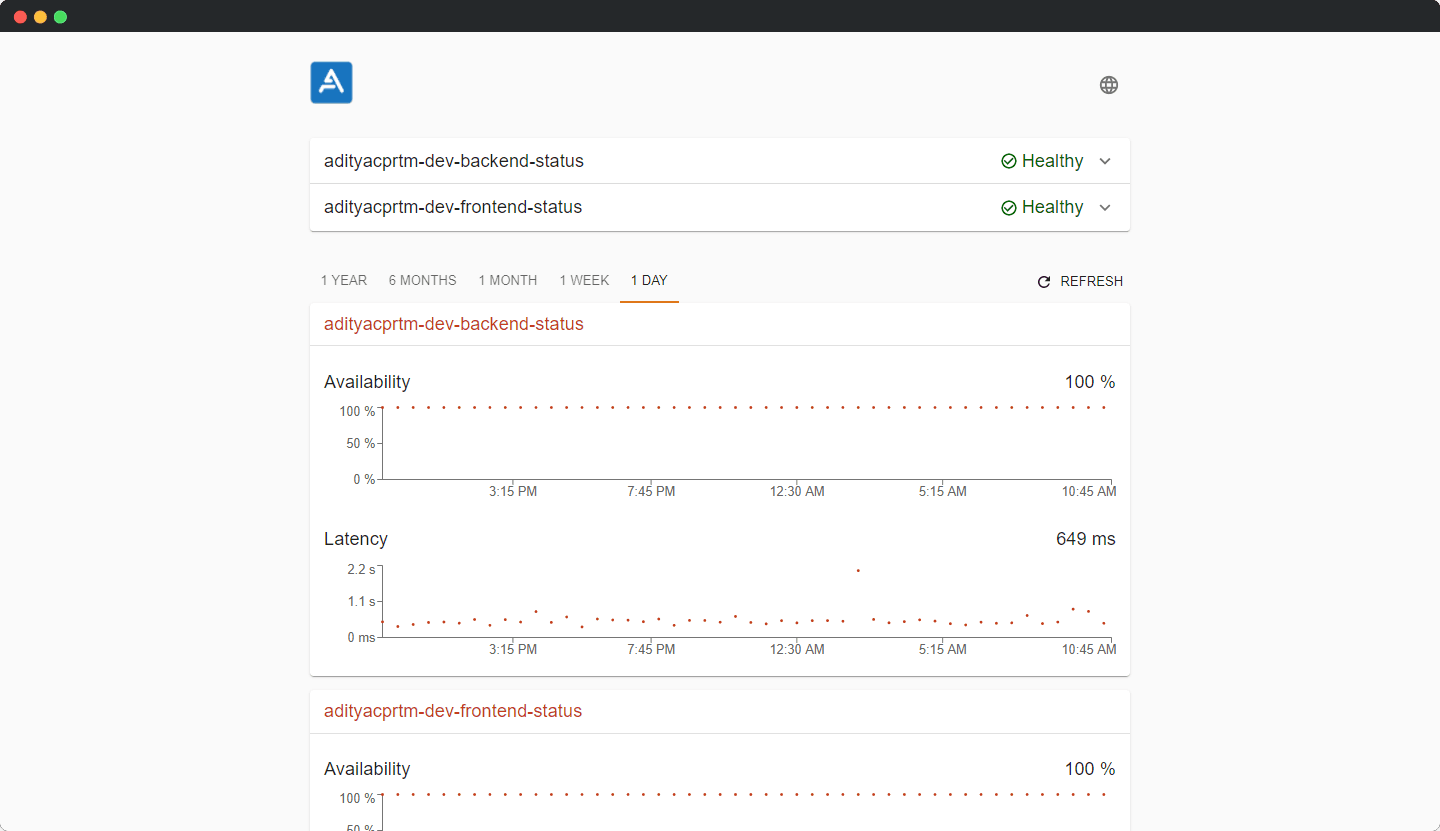
Note: my cron-job setup doesn’t hit at certain times, my backend is hosted on heroku for free 😬.
Update: health check for backend and frontend is now done every 30 minutes 😎.
Error Tracking with Sentry
With Sentry we can find and fix errors in production quickly, get notifications when errors occur or reappear and many others.
At the time of writing this blog, luckily Strapi and Vue support using Sentry. It’s quite easy to implement, just by adding plugins on each platform,
Install Sentry on Strapi
The plugin I use is strapi-plugin-sentry.
Install the plugin with npm install strapi-plugin-sentry. Then, link Strapi to the Sentry project using the existing data source name (DSN) in the Sentry project. Then add DSN to our Strapi application config/plugins.js.
codemodule.exports = ({env}) => ({
// ...
sentry: {
dsn: env ('SENTRY_DSN'),
},
// ...
});
Install Sentry on Vue
To use Sentry in the Vue app, it is necessary to add the Vue SDK. Besides that I also use Monitor Performance so I need to add the following packages:
codenpm install --save @ sentry / vue @ sentry / tracing
Next, configure the main.js:
codeimport Vue from ""vue"";
import * as Sentry from ""@ sentry / vue"";
import {Integrations} from ""@ sentry / tracing"";
if (process.env.NODE_ENV === ""production"") {
Sentry.init ({
Vue,
dsn: ""SENTRY_DSN"",
integrations: [new Integrations.BrowserTracing ()],
// We recommend adjusting this value in production, or using tracesSampler
// for finer control
tracesSampleRate: 1.0,
})
}
And then, on the Sentry dashboard:
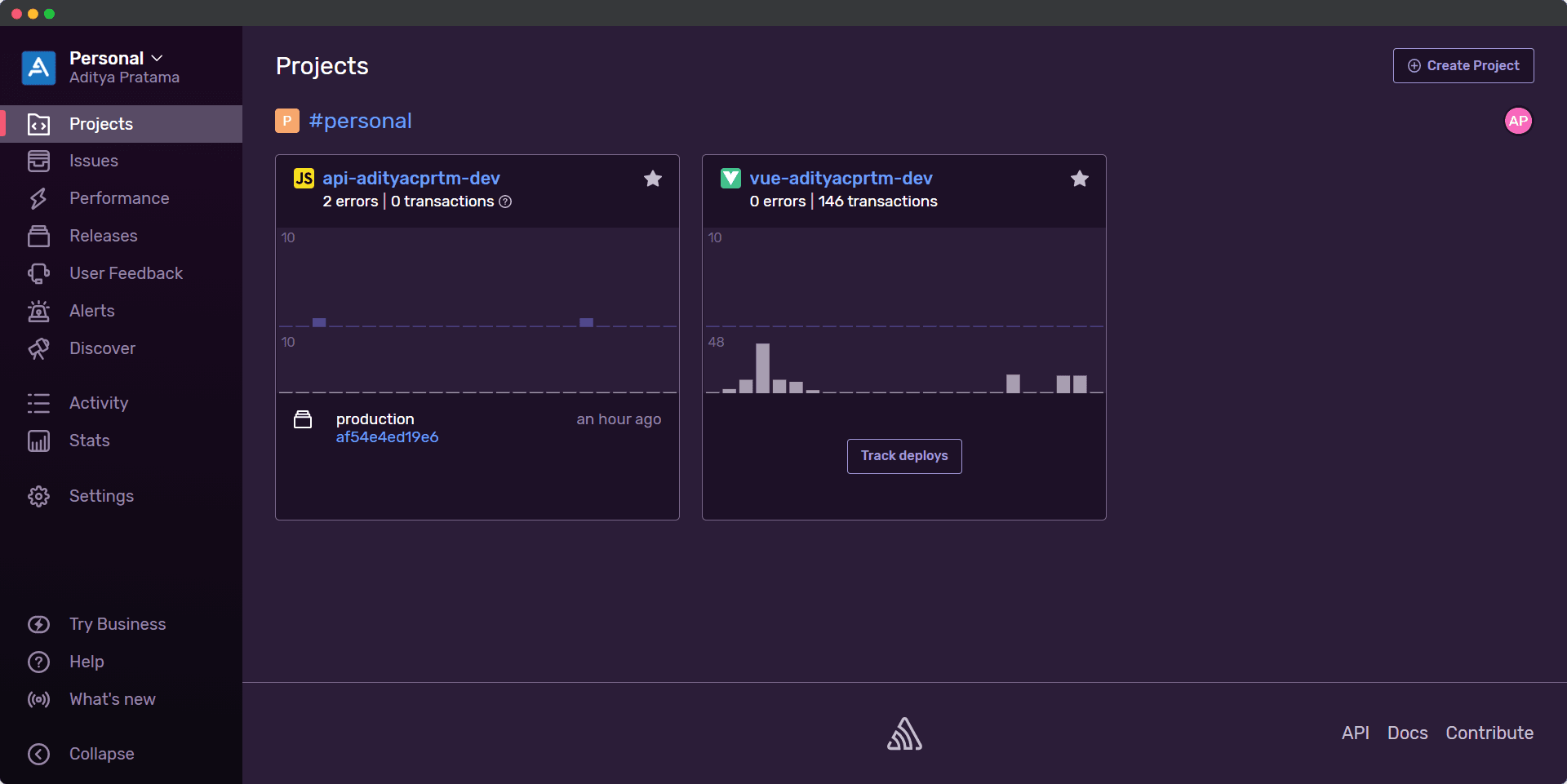
That’s it! This blog is the final part of Building my personal portfolio with Vue.js, Strapi and MongoDB series. I hope to develop it again.
Thanks!