
Strapi Setup: Schema, Plugins dan Deploy
Configure Strapi with essential plugins (email, Cloudinary) and set up content schema for your portfolio project.

Here I share some things about the schema, plugins and what I do to configure and deploy the Strapi application. Mostly I follow according to documentation from Strapi, but there’s no harm in sharing.
Plugins
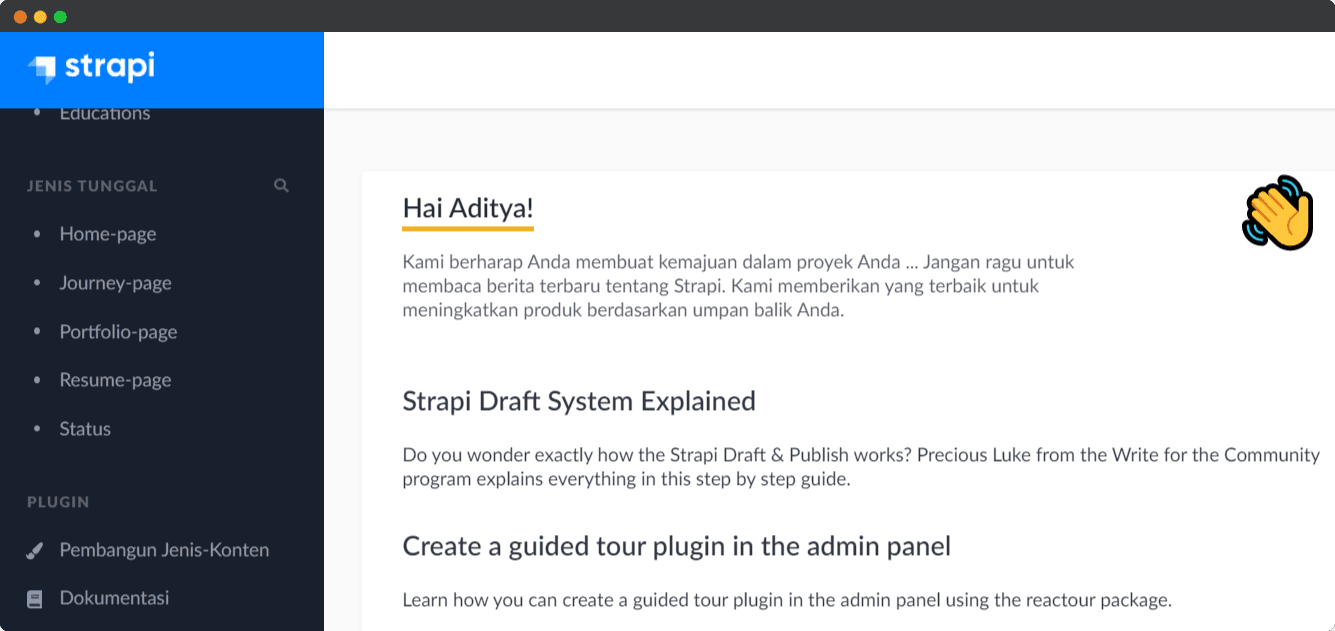
The first time using Strapi, it’s very easy, without configuration we can use it. Many plugins that are often used are already installed in it such as Content Manager, API Documentation Generator, Media Library and others. Apart from that, I need email and storage of media assets such as images, additional plugins that I use might be a consideration, strapi-provider-email-smtp for SMTP emails and strapi-provider-upload-cloudinary for media storage.
Schema
The fetch data scheme that I use is divided into 2 parts, namely data for pages or additional data. Yes, maybe a little strange, but its work ��. The page data contains meta data such as title, description and social preview. Meanwhile, additional data means data that has many objects such as articles and others.
Deploy
Since Strapi is an Open Source project, I can deploy anywhere. Of course my main choice is Heroku, it’s Free 脂. Behind the word free, there must be limitations, yes, heroku limits the running hours of the applications we deploy there. Also, apps that don’t receive any traffic within 30 minutes will sleep, but that doesn’t really matter to me.
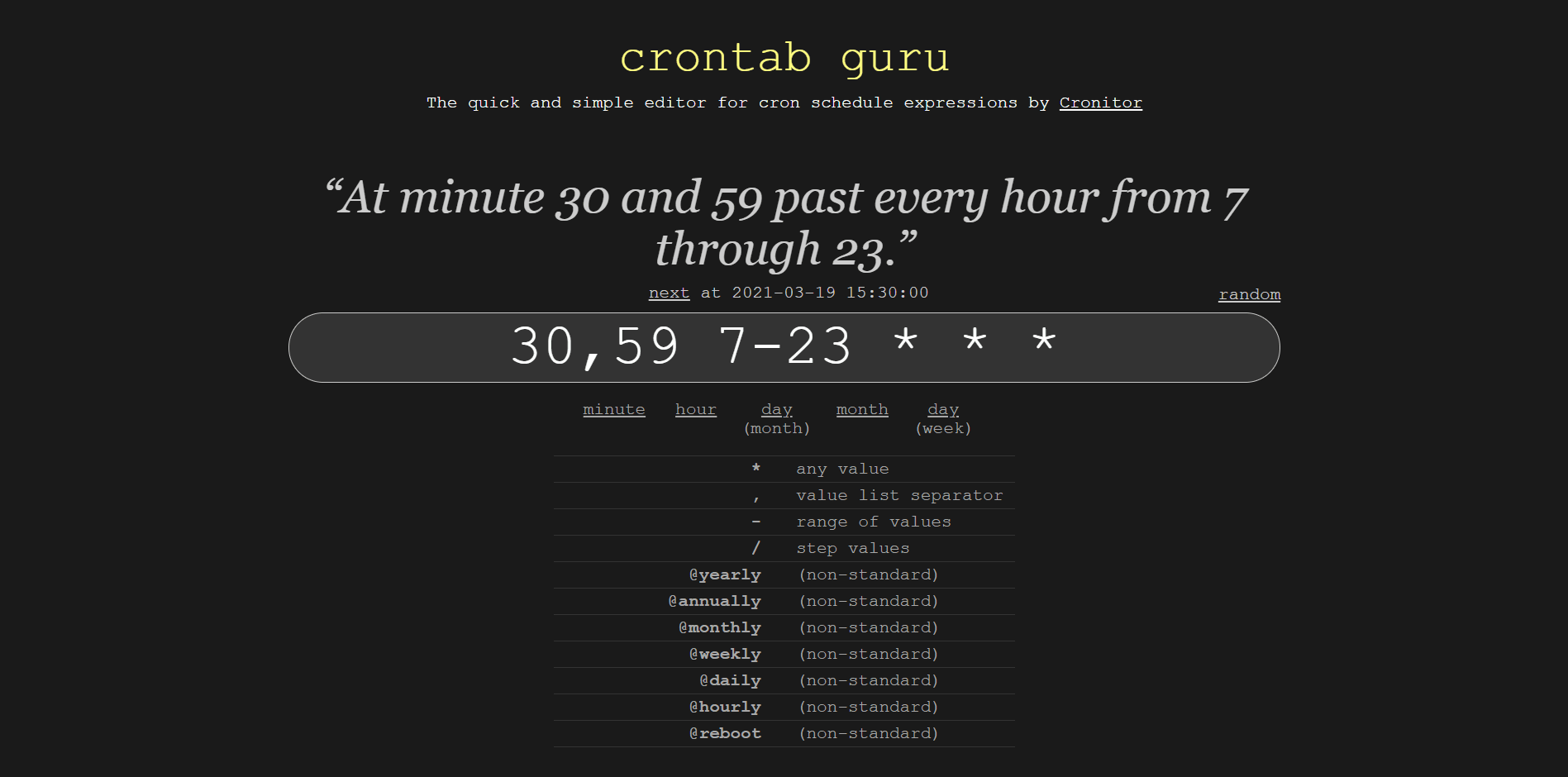
A few tips so that the application we are deploying is always running is to use cron jobs to hit the end point of our application. However, this will consume the ration of running hours in a month. This is the Execution schedule which can be considered as 30,59 7-23 * * *, the cron will hit the end point every 30th and 59th minutes at 7 to 23 hours.
That’s it!