
Database Setup: MongoDB
Learn how to set up MongoDB for Strapi. This guide covers creating a free MongoDB Atlas cluster and connecting it to your Strapi CMS.

Strapi currently supports several databases, one of which is MongoDB. Apart from Mongodb, strapi also supports SQLite, PostgreSQL, MySQL and MariaDB. In this portfolio project, I will use MongoDB as a database.
MongoDB Setup
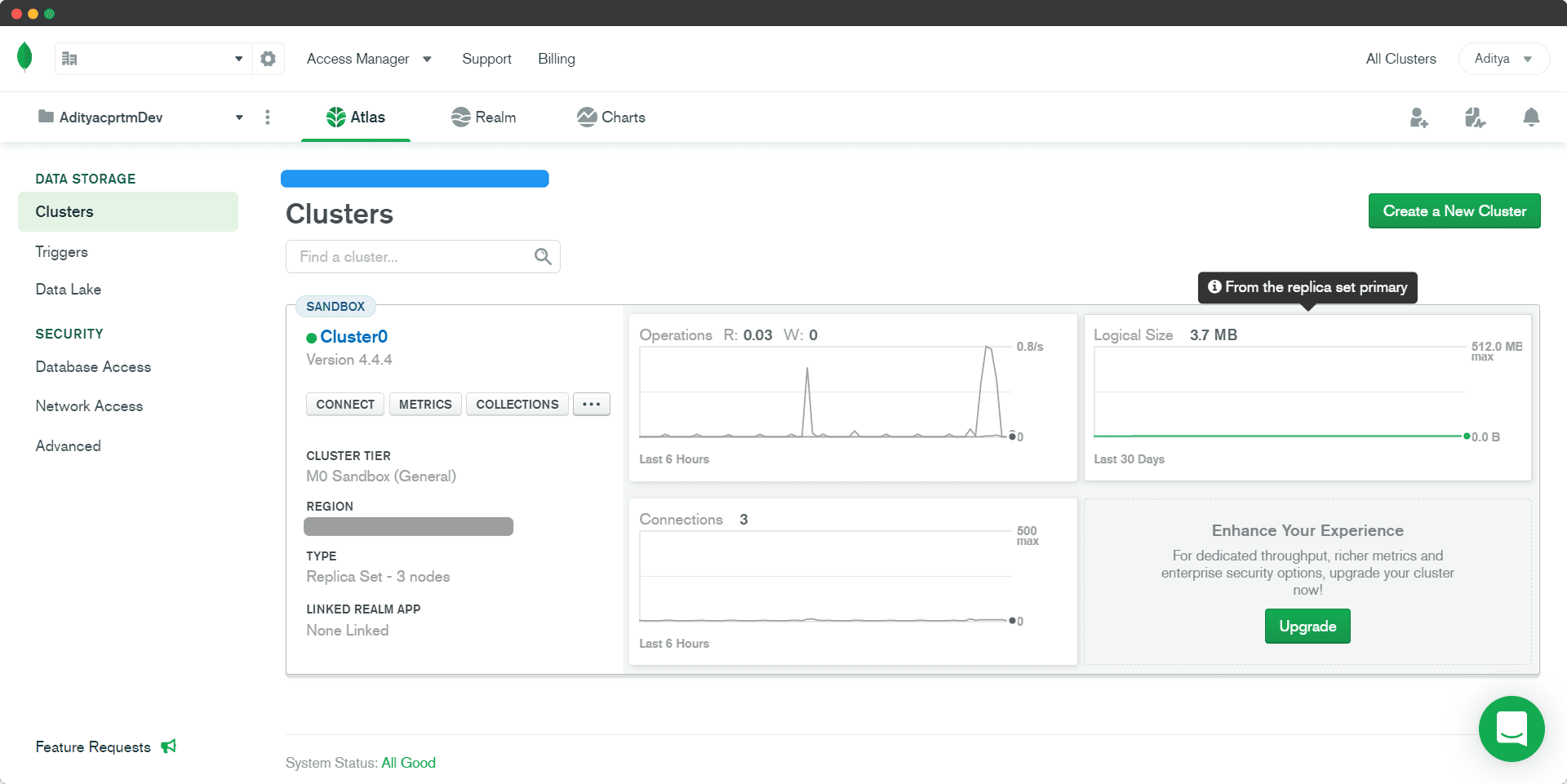
Did you know, we can use the MongoDB service for free? Yup! mongodb.com offers MongoDB service for free, there is also a paid version. Visit the MongoDB website, create an account if you don’t have one, then log in. Create New Cluster and follow the directions, making sure to select the option labeled free tier. In addition, we can also see the metric of the cluster or instance being used.
Strapi Configuration
If you are using the CLI for your Strapi installation, you will be asked at the beginning which database to use, select MongoDB. For complete steps, access here.
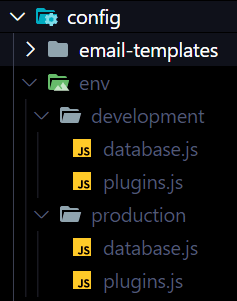
Here I am using 2 different databases, each for development and production. In Strapi, I separate the config according to the environment, the goal is to avoid conflicts between environments.
That’s it!